Agent benchmark
Stim agent benchmarks
Compare coding agents using Stim and local platform tools. React Native results measure Settings-ready time and link to command-level audits. Standalone native pilots below measure complete task time and include verified screen proof. Platforms and tasks are measured separately.
iOS performance across models
Each bar is one valid run; missing or invalid cells are labeled. Lower time is better.
Native change
Settings-ready timeAndroid performance across models
Each bar is one valid run; missing or invalid cells are labeled. Lower time is better.
JavaScript change
Settings-ready timeNative change
Settings-ready timeLaunch failure diagnosis
A deterministic root-render exception is committed before dispatch. The agent must launch first, diagnose from captured errors, repair the source, and prove the unchanged Settings screen. Each comparison shows the latest validated run per arm, not an average or a best-of selection. Stim runs use the same recommended app readiness logs as controls. The crash and recovery task are identical; Stim can use those signals to report the failure during launch.
iOS launch recovery
Settings-ready timeAndroid launch recovery
Settings-ready timeStandalone native apps / Pilot results
Beyond React Native
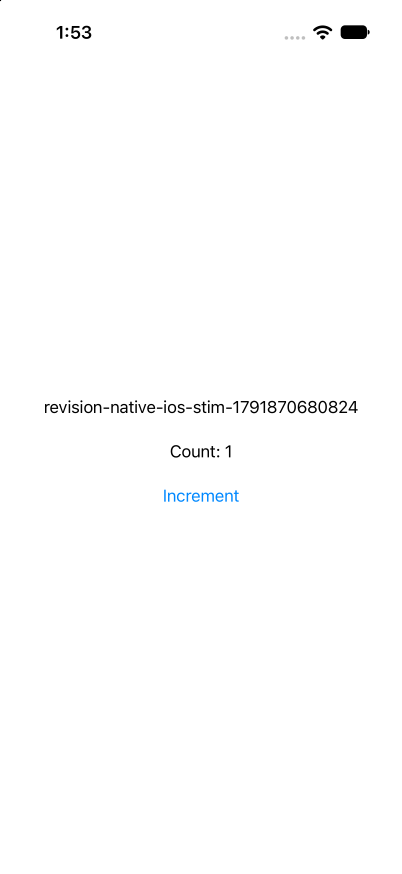
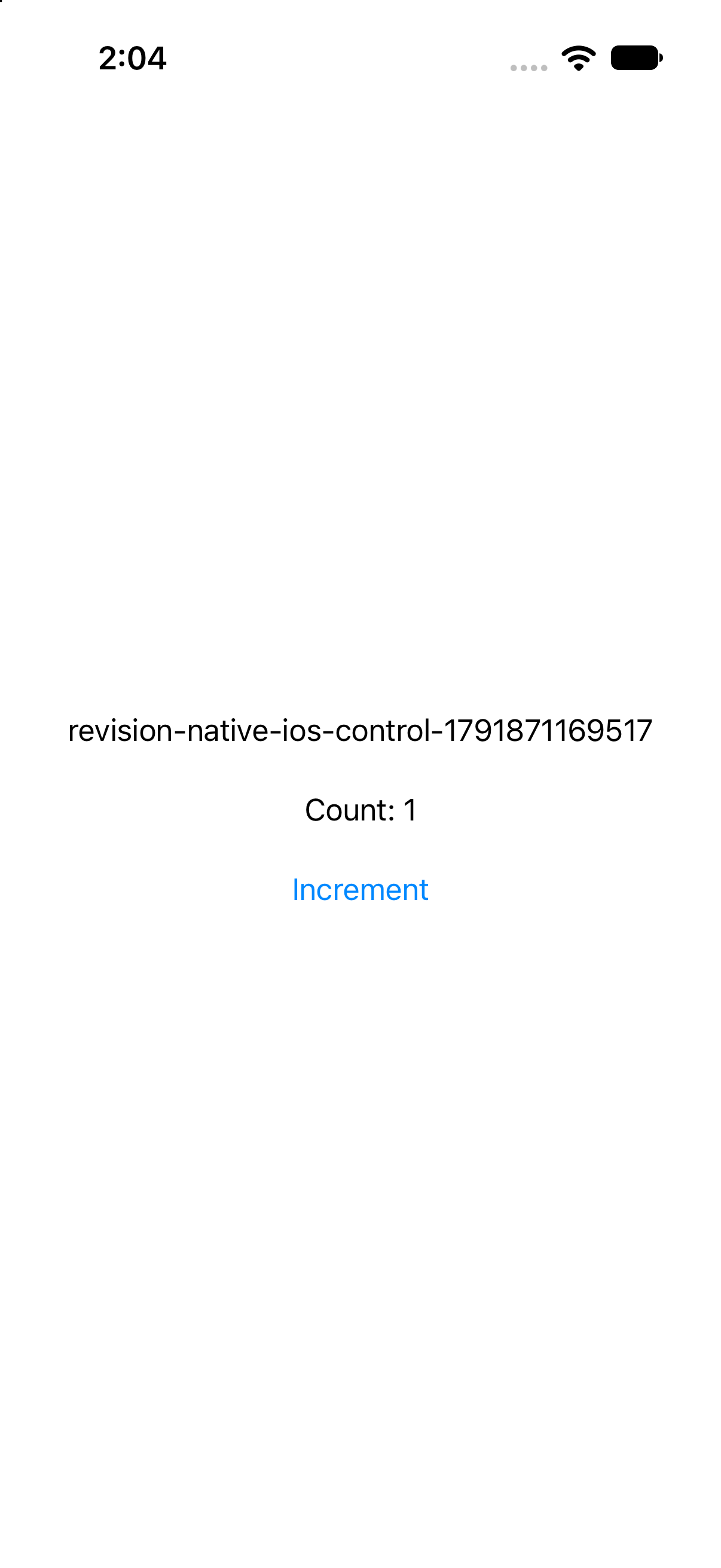
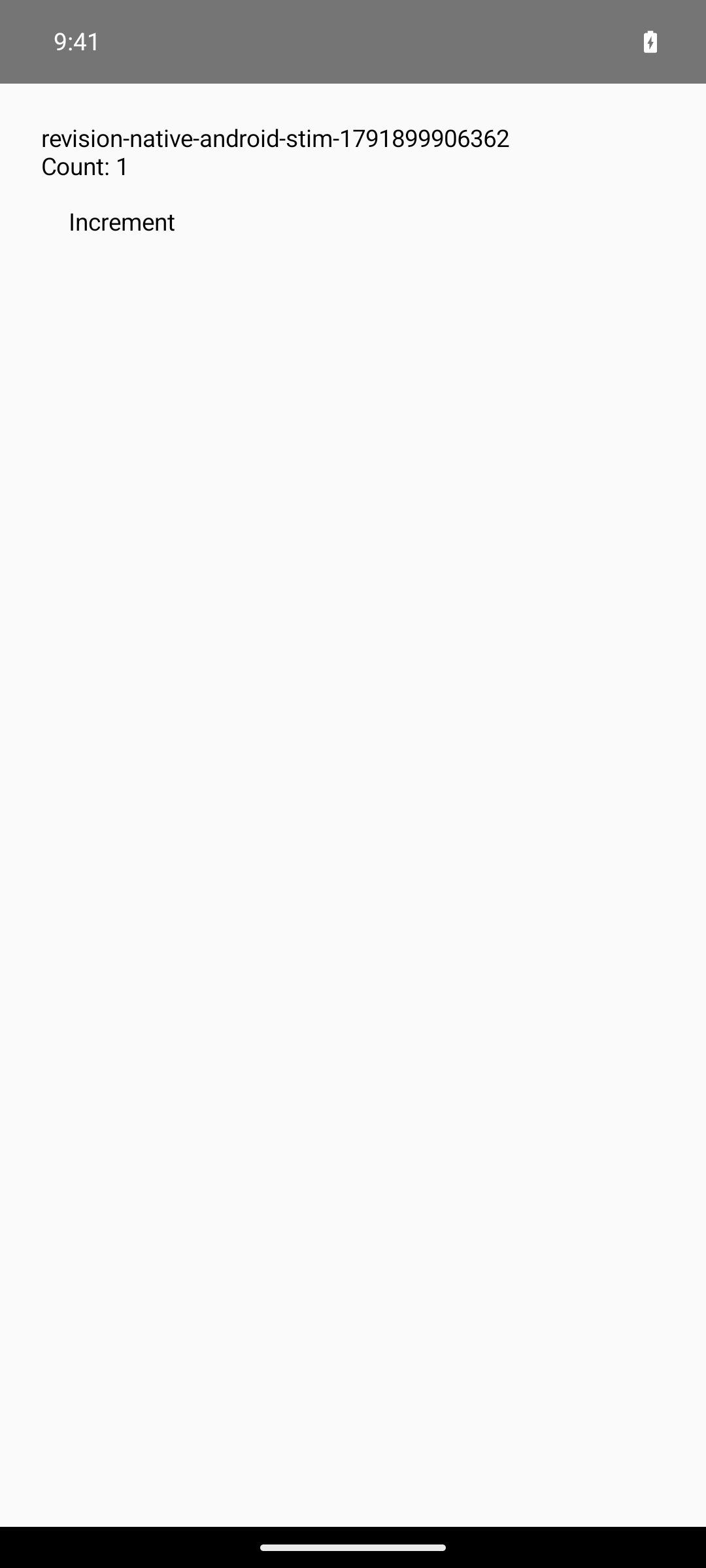
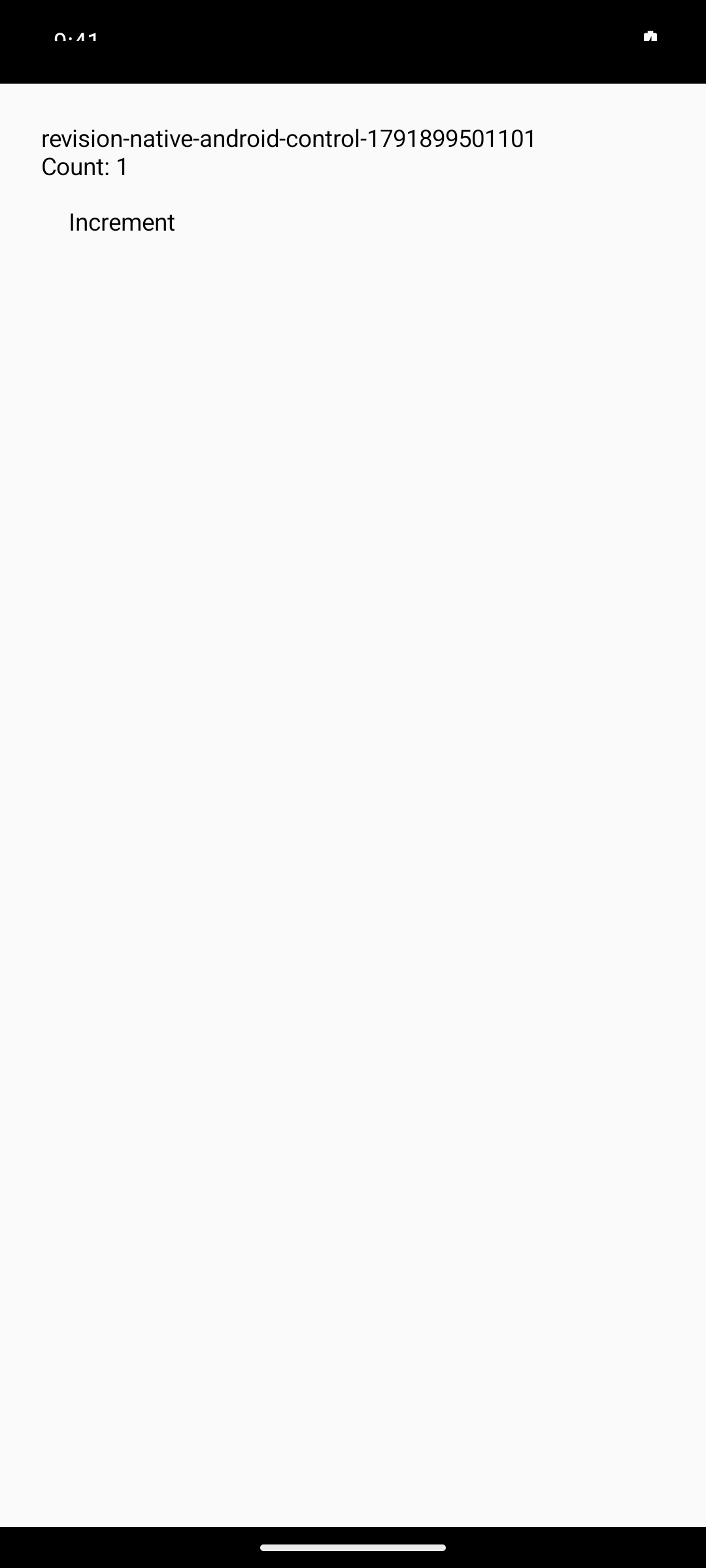
Change a native app's revision text, build and launch it, press Increment, and verify the new revision and count. Each result below is one accepted Stim/control pair on Mac mini, Apple M4, 16 GB.
Total task time runs from dispatch to the completed agent turn, including reasoning, retries, builds, and proof capture. It differs from the React Native Settings-ready metric above. These small pilots show workflow results, not a general compile-speed claim.
Native iOS
SwiftUI / XcodeOne pair / Total task time / Lower is better
Stim2m 50s
Control5m 7s
gpt-5.6-luna / high reasoning / Stim 1.20.2 Recorded 2026-10-13. macOS 27.0, Xcode 27.0, Node 26.7.0, Codex 0.154.0. Requested service tier: priority; returned tier unverified. Both runs passed independent source, command, process-identity, and visual checks. Cleanup completed before publication. Screenshots show the changed revision and Count: 1.Proof and environment
Native Android
Kotlin / GradleOne pair / Total task time / Lower is better
Stim2m 32s
Control2m 33s
gpt-5.6-luna / high reasoning / Stim 1.20.2
These runs finished 1.9 seconds apart. One pair does not establish a meaningful speed advantage. Recorded 2026-10-13. macOS 27.0, Xcode 27.0, Node 26.7.0, Codex 0.154.0. Requested service tier: priority; returned tier unverified. Both runs passed independent source, command, process-identity, and visual checks. Cleanup completed before publication. Screenshots show the changed revision and Count: 1.Proof and environment
Native macOS
SwiftUI / SwiftPMOne pair / Total task time / Lower is better
Stim1m 11s
Control2m 25s
gpt-5.6-luna / high reasoning / Stim 1.20.2 Recorded 2026-10-13. macOS 27.0, Xcode 27.0, Node 26.7.0, Codex 0.154.0. Requested service tier: priority; returned tier unverified. Both runs passed independent source, command, process-identity, and visual checks. Cleanup completed before publication. Screenshots show the changed revision and Count: 1.Proof and environment
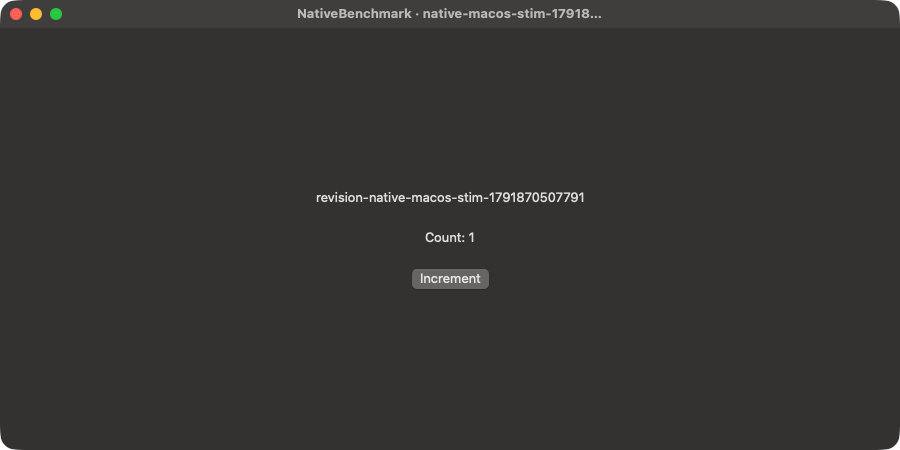
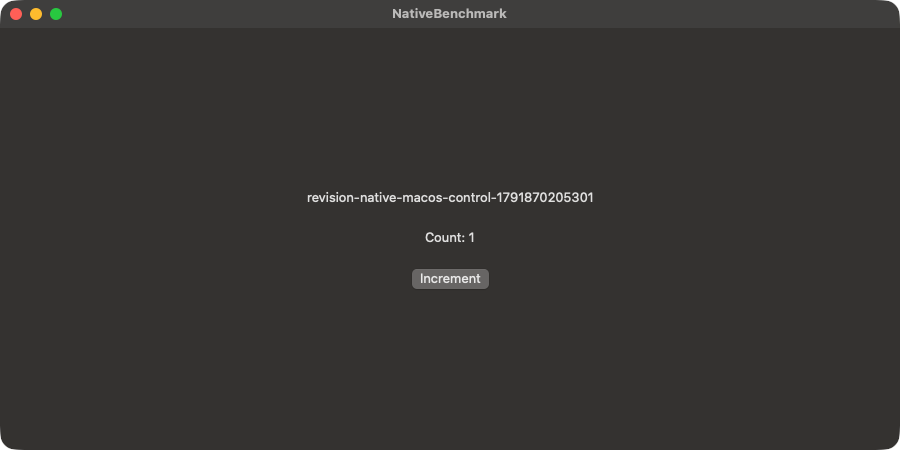
Native Xcode builds can reuse Stim artifacts and compiler cache. Native Gradle and macOS SwiftPM do not use Stim's artifact cache; their potential benefit is in workspace preparation, launch, and verification.
Read the native benchmark protocolMethodology
How the React Native comparisons work
We compare Stim with standard Expo and native build tools on the same app. The goal is to measure how long an agent takes to complete a task and check the result in a running app.
Read the full protocol- Same task, same agent
- Each comparison uses the same app task, AI model, and model settings. The agent works with Stim in one run and without it in the other. Both arms use the same fixture, including recommended app readiness logs for the launch-error task.
- Same hardware
- Runs use the same Mac mini and run one at a time, so they do not compete for resources. The device model and OS version are matched within each comparison.
- Both setups start prepared
- Dependencies are installed and build caches are warmed before timing starts. Stim can reuse saved builds and pooled iOS simulators or Android emulators. We are measuring reuse during development, not first-time setup.
- Consistent timing
- Each clock runs from the agent's first recorded action until it has checked the result and saved a screenshot. The same start and finish rules apply with and without Stim.
- Different kinds of work
- We test JavaScript changes, native changes, and fixing an app that fails to launch. Results stay separate by task, model, and platform, so a quick JavaScript change is not compared with a native rebuild.
- Results you can inspect
- Each bar represents the latest checked run, not an average or the fastest of several attempts. New validated runs replace the previous result in place. Open it to see the commands, logs, and screenshots. Runs that fail the protocol checks are excluded; the full protocol explains those rules.
Archived replay
Watch the Luna JavaScript run unfold
A continuous, silent replay of the Luna JavaScript run. This archived video retains the original dispatch clock; the interactive audit now starts at first recorded agent activity. Commands, output, and proof come from the recorded run; matching simulator interaction was recreated with agent-device and plays at 2x speed.
Command-level evidence
Explore detailed auditsInspect every benchmark run
Compare environments, play each command timeline, inspect terminal output, and open proof images and simulator recordings.